Every streamer I know has the same guilty backlog: dozens of VODs, hours of genuinely good moments, zero content posted this week because "there's no time to edit."
Meanwhile the fastest-growing streamers I've watched aren't streaming more than you. They've built a repurposing pipeline: every stream automatically becomes a week of posts. One four-hour VOD → three to five short clips, one long-form YouTube video, and daily presence on every platform — from content that already exists.
Here's the complete workflow. It takes about two hours per VOD manually, less with tools, and it compounds harder than any other habit in streaming.
Step 1: Timestamp the moments (30–45 min)
Skim the VOD at 2x with a notes file open. You're hunting for exactly four things:
- Peaks — the clutch, the jackpot, the perfect joke. Obvious clips.
- Reactions — anywhere your genuine emotion spiked. These outperform gameplay-only moments almost every time.
- Story beats — the setup and payoff pairs. The "I'm going to try something stupid" and the result, three minutes later.
- Quotables — one-liners that work with zero context.
Write each as timestamp — what happens — why it works. Aim for 10–15 raw candidates from a 3–4 hour stream. If you can't find ten, that's diagnostic too — your streams may need clearer objectives and stakes.
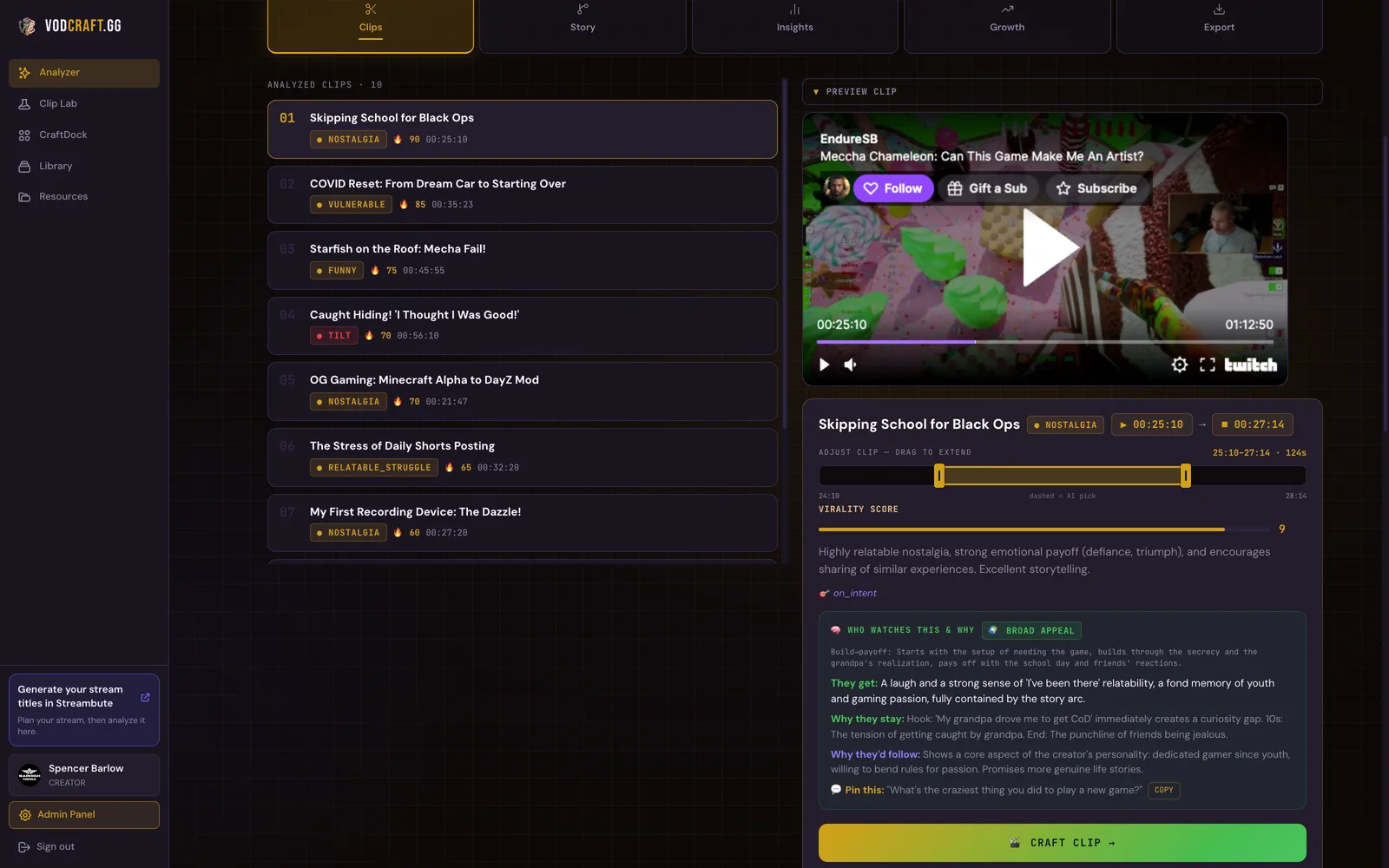
Step 2: Rank and pick your 3–5 (10 min)
Not every candidate deserves posting. For each one, ask the cold-viewer question: would someone who has never seen me watch this to the end?
Kill anything that needs context a stranger doesn't have ("you had to be there" clips are for your Discord, not TikTok). What's left, rank by the strength of the first three seconds — because the hook decides everything. Top 3–5 move on.
Step 3: Cut the verticals (30–45 min)
For each pick:
- Trim to the moment — start at the trigger, end right after the payoff lands. 20–60 seconds for most moments.
- Reframe to 9:16 — facecam up top, gameplay below, or full-frame game if your reaction isn't the point.
- Burn in captions — most short-form viewing is muted. No captions = invisible clip.
- Front-load — if the payoff is at second 40, tease it in the first 3 (what makes clips actually travel).
The Streamer Blueprint, 90-Day Growth Roadmap, StreamFinance tracker, Media Kit template and more. No cost.
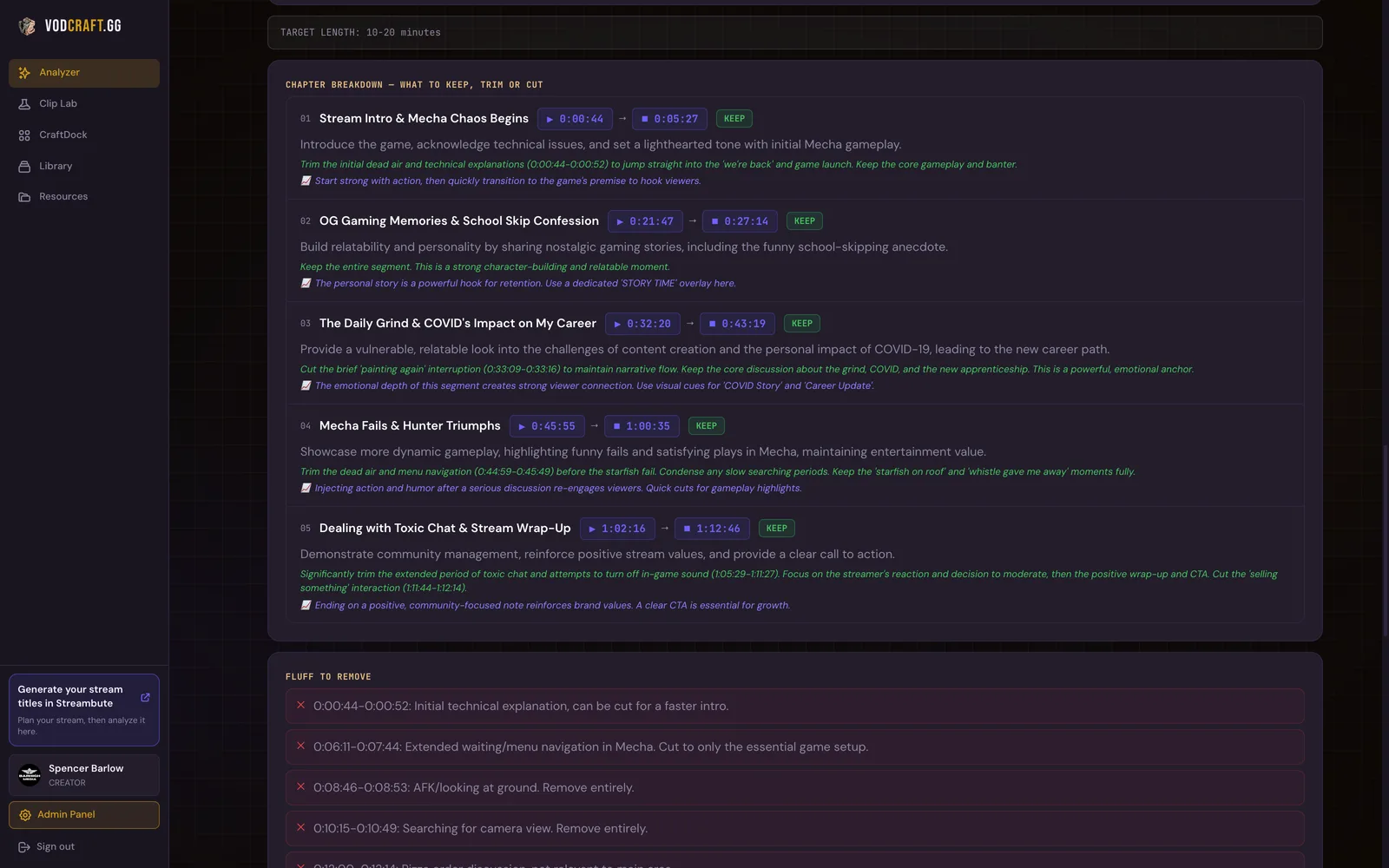
Step 4: The long-form YouTube edit (45–60 min)
This is the step almost everyone skips, and it's the one that builds a real second audience. Your stream already has a story — an objective, obstacles, a low point, a resolution. The edit is just removing everything that isn't the story.
Practical version:
- Open with the objective ("tonight I'm hitting Diamond or losing my mind trying")
- Keep the attempts that escalate; cut the repetitive middle ones
- Keep the low point — the edit needs a valley for the peak to matter
- End on the resolution and your genuine reaction
- Cut ALL dead air. All of it. Menus, queues, silence — gone.
A 3-hour stream becomes a 12–20 minute video. That ratio feels brutal the first time; it's exactly why it retains.
Step 5: Schedule the week (15 min)
The distribution rhythm that works:
- Mon/Wed/Fri: one vertical clip each (TikTok + Shorts + Reels — same clip, all three)
- Thu or Sat: the long-form YouTube video
- Daily: clips double as story posts wherever you have an audience
That's 4–6 pieces of content from one stream — and next stream, the pipeline runs again. Consistency without creating anything new. And your older VODs? Same pipeline, they're a goldmine you're sitting on.
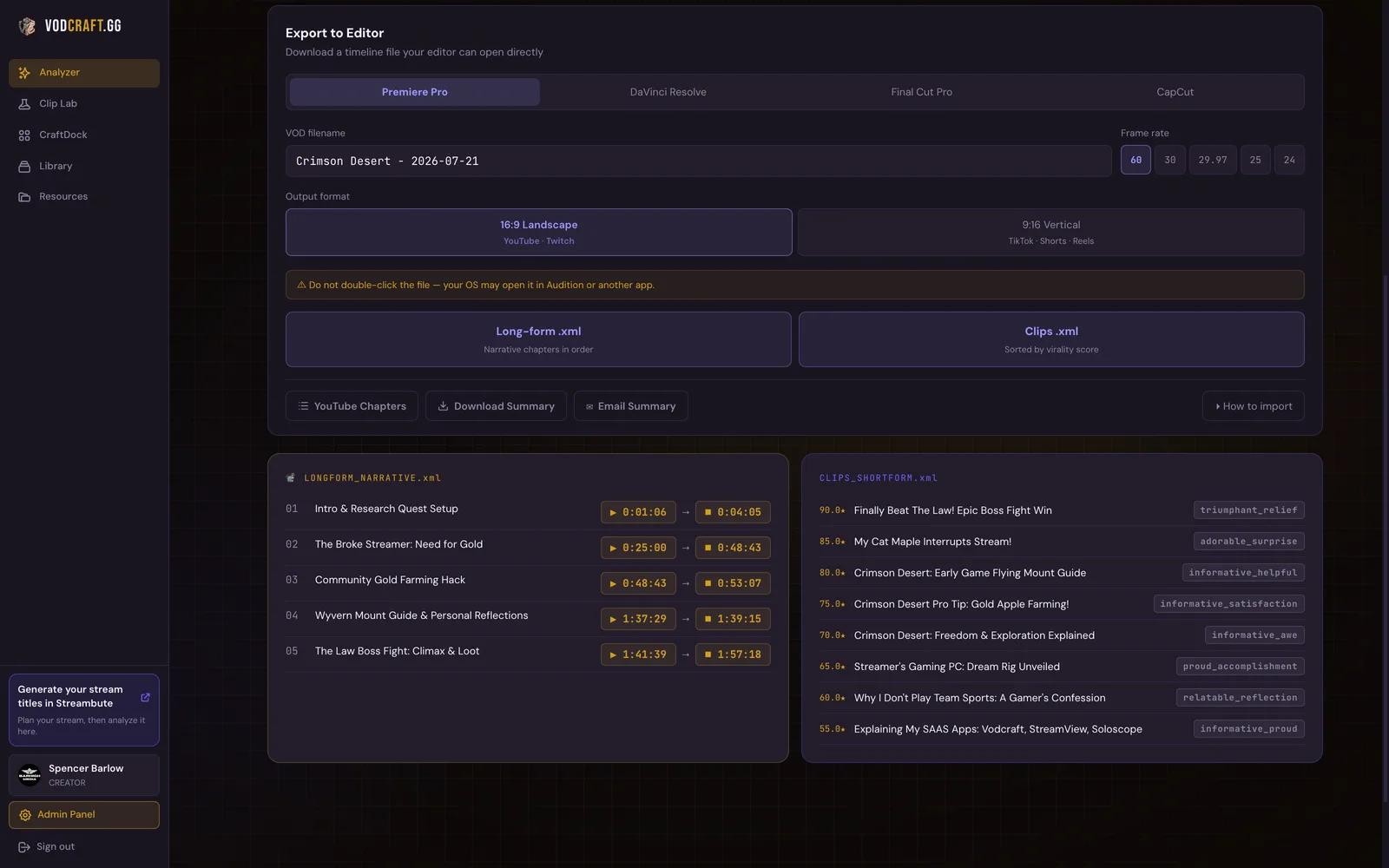
VODcraft does steps 1 and 2 automatically — it watches the VOD, finds the moments, scores them, and maps the long-form story. You start at the fun part.
Try VODcraft free →The takeaway
The content bottleneck was never creation — you create four hours of material per stream. The bottleneck is extraction.
This week, run the pipeline once, even roughly: one VOD, three timestamps, one clip actually posted. One. The streamers who show up everywhere aren't superhuman — they just stopped letting their best moments expire inside VODs nobody rewatches.
The Streamer Blueprint, 90-Day Growth Roadmap, StreamFinance tracker, Media Kit template and more. No cost.
I built VODcraft because I was spending more time scrubbing my own VODs than actually improving my streams. Everything on this blog comes from streaming, failing, and fixing it.